
AI in Everyday Life
Where AI already works around us — face unlock, voice assistants, maps, recommendations, chatbots — how it works in simple words, and what it means for the jobs students will do.
AI basicsGenerative AIFuture of work
Expert Seminars
A focused talk for your whole college — on AI, staying safe online, or what the software industry really expects. Pick a topic below or tell us what your students need, and we tailor the session to them.
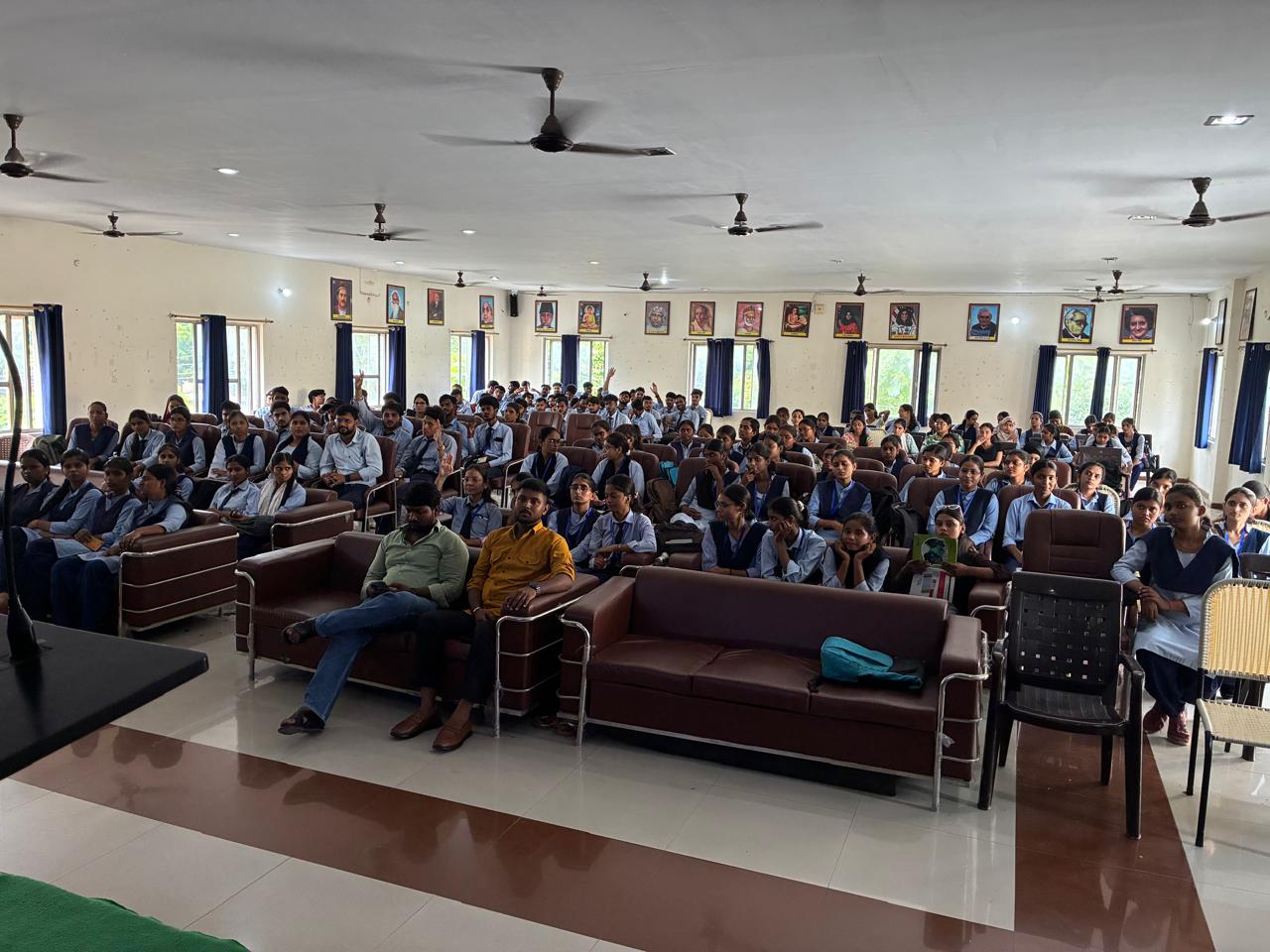
One session, fitted to your timetable
For a class, a department or the whole college
Students ask working developers directly
A short online quiz with certificates
Seminar Topics
Each topic is explained from the basics with real examples, so it works for students of any stream, not only computer science.
Where AI already works around us — face unlock, voice assistants, maps, recommendations, chatbots — how it works in simple words, and what it means for the jobs students will do.
Phishing links, fake calls asking for OTPs, UPI and loan-app frauds, fake jobs and social-media scams — how to spot them, and what to do if it happens: the 1930 helpline and cybercrime.gov.in.
Using AI tools well for study and projects: writing good prompts, checking what the AI says, knowing when it is wrong, and staying honest about what is your own work.
From an idea to a product people pay for — requirements, design, code, testing, release and support — told through the software KeyCode builds for hospitals, schools and businesses.
The roles in a software company, the skills each one is hired for, building a portfolio that gets noticed, internships, and how to prepare from the first year onwards.
What apps learn about you, app permissions, strong passwords and two-factor login, safe public Wi-Fi, and keeping your social media from being used against you.
Need another topic — for a particular department, or a session for faculty? Tell us
How a Seminar Works
From the list above, or one written for your students.
We agree the date, timing and hall with your coordinator.
Our speakers deliver the talk with live examples, then take questions.
Optional — a short online quiz on our platform, with certificates students can verify.
Many colleges start with a seminar and follow it with a 3-day workshop or industrial training for the students who want more.
Tell us your college, the programme you have in mind and roughly how many students. We plan the dates, the format and the fee with you.